Notes
The fastest way to write down a thought
Open — type — it saves itself. Notes in Memo are always within reach, sit next to your files and automatically detect links inside your text.
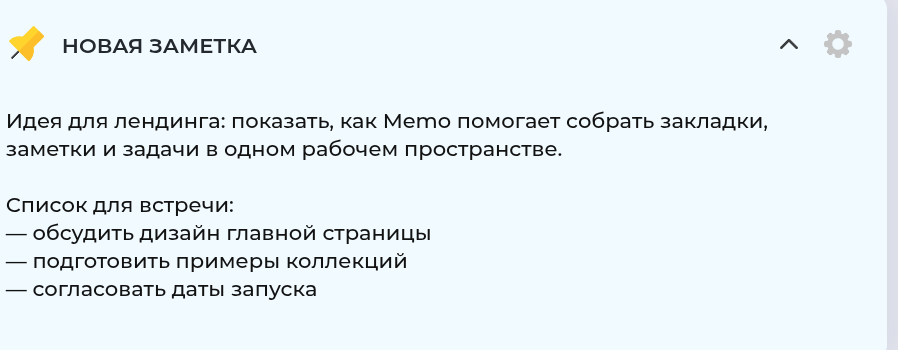
Real Memo.top interface
What's inside
Autosave
Notes are saved automatically as you type
Images
Drop images straight into a note
Files
Attach documents so everything important lives in one place
Clickable links
Links inside a note open in one click
Versions
Nothing gets lost, even after an accidental edit
Use it for
Work
Study
Personal life
Note examples
Meeting
Meeting notes ready right after the call ends
Idea
An idea written down before it slips away
Shopping
Your shopping list always on hand on your phone
Passwords
Personal data kept in an encrypted note
Recipes
Favorite recipes ready in the kitchen
Frequently asked questions
Quick answers to what people ask most
Do notes save automatically?
Yes, changes save as you type — there's no separate "save" button to press.
Can I add images and files to a note?
Yes, a note supports images and attachments right inside the text.